
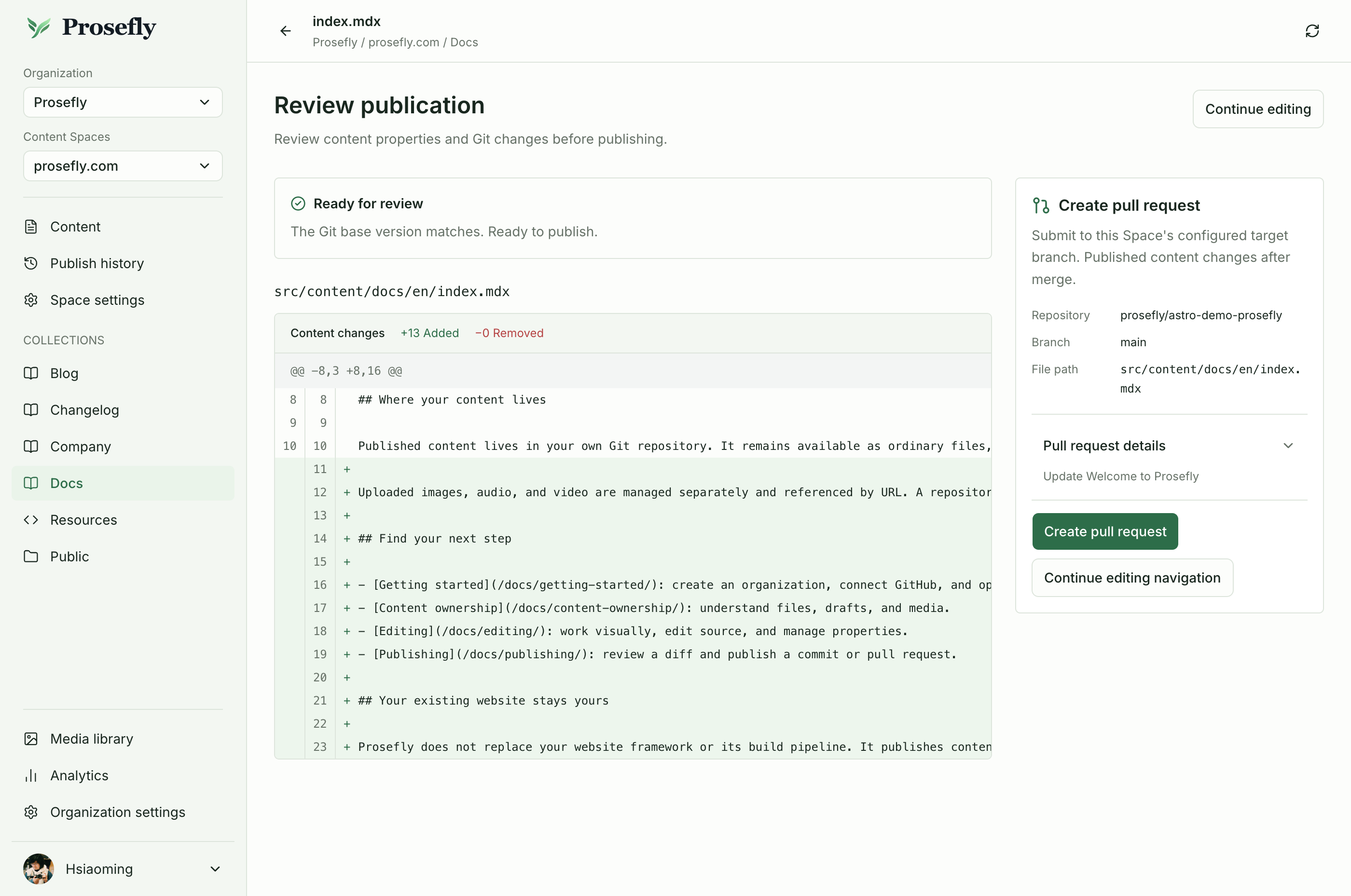
For a documentation team, “finished writing” and “ready to publish” are different decisions. A guide might read well while its title, navigation placement, or final review still needs attention.
A separate publication step makes that distinction visible. Here is a simple way to use it.
Write with the people who know the subject
Connect the repository and choose the content Collection in your Space. Open the guide and invite the right people to work on it. Owners, admins, and editors use editing seats; read-only members do not.
Work in the visual editor for ordinary content. Use Source when the full file or unsupported syntax needs attention. Save work as a draft while the explanation is still taking shape.
Look at the file, not just the paragraph
Before publishing, inspect the diff. Check the page properties as well as the body. If your Collection has a confirmed supported native navigation binding, review the related navigation changes too.
A review is also a good moment to check media links and make sure the page explains what the reader needs to do. Uploaded media remains separate from the text stored in Git.
Choose the path to publication
Publish a commit when the change is ready for your existing repository workflow. Open a pull request when the team needs to review it through GitHub before it reaches the publication branch.
Once the file is in Git, your existing site pipeline handles the build and deployment. Prosefly does not replace that pipeline. Repository refreshes require an explicit scan rather than an assumption that every outside edit has already appeared in the workspace.
The publishing guide describes this boundary in more detail. For writing together, start with team collaboration.